

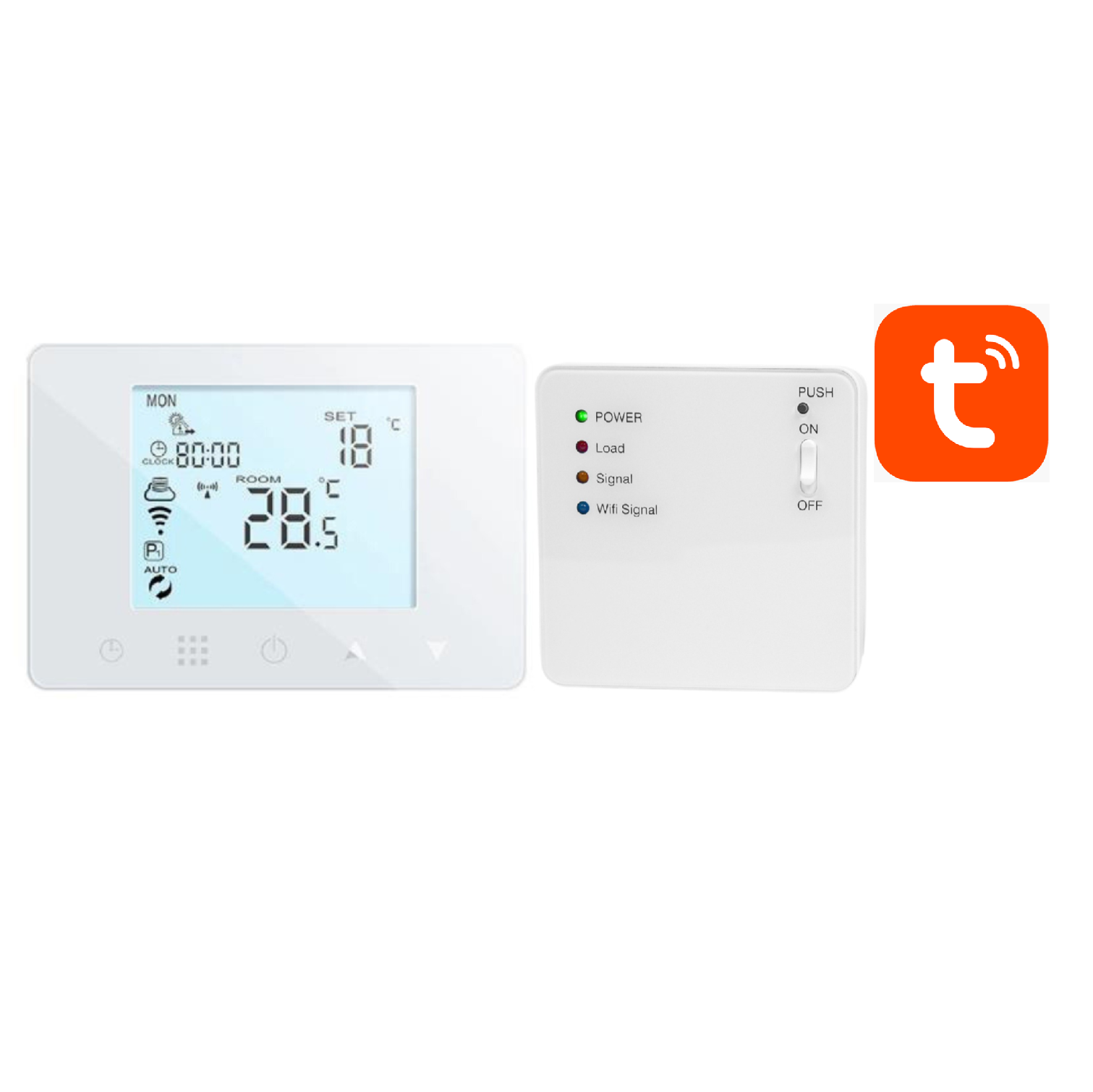
First launch of the AURATON Orion Set
To properly start the AURATON ORION Set after installation, follow these steps:
-
Connect the power supply to the AURATON Orion R regulator (transmitter)
– Connect the power supply to the socket in the regulator housing or
– Insert the batteries into the regulator according to the polarity indicated in the battery compartment. -
Connect the receiver's power supply (module at the heating device)
– After connecting the power supply to the receiver, the set will be automatically paired – the devices will connect to each other without the need for additional configuration. -
Pair the set with the Tuya Smart app
– Open the Tuya Smart on your smartphone,
– The device should be added automatically or you can press the “+” in the upper right corner.
IMPORTANT:
If you use battery power the AURATON Orion R regulator, be sure to change the "B5" parameter to 20 minutes or more .A detailed description of changing parameter B5 can be found in the "Advanced option B" in the device's user manual.
AURATON Orion Set wireless thermostat user manual